
































Web design for tradies
Tradie Web Design That Turns Google Searches Into Quote Requests
When someone searches for a plumber, sparky or builder, your website has seconds to convince them to call. We build trade websites around that moment:
- A tap-to-call number and quote form on every screen
- Real job photos, reviews and proof that the work is yours
- Service and suburb pages that Google can show to local searchers
We've tracked $126M+ in client revenue for trade businesses, so we judge a website on calls and booked jobs, not how it looks in a portfolio.
The job
Tradie web design built to win the next job
Tradie web design is about one thing: making the customer who searches online feel safe enough to ask you for a quote. We build every tradie website for plumbers, electricians and other trades, as small business web design that suits an Australian owner-operator.
What a tradie website actually has to do
A professional website answers three questions fast: what do you do, where do you work, and how do I reach you. A visitor on a mobile, standing in a flooded laundry, should find the job types, service suburbs and a tap-to-call number without scrolling around. Anything that slows that down costs you the call.
High quality, well-designed tradie websites versus a generic template
A website builder or ready-made template looks fine until it has to carry your trade. Generic layouts bury the information a customer needs and hide the proof that you do the work. We design around your services, your suburbs and your best jobs, so the build suits how your customers decide.
Traffic but no calls
Why most tradie websites fail to bring in enquiries
Is your website the real problem, not the ads?
Often, yes. When a tradie is paying for ads but not getting much back, we ask to see the website first. The traffic is usually fine, and the site it lands on is what loses the enquiry.
Why one landing page beats a general site for paid clicks
A general site sends people wandering through menus. A dedicated landing page keeps everything together: real photos of your work, reviews, the areas you cover, a clear way to call and a short form as the next step. A person who clicked for a blocked drain gets an answer straight away.
Ideas for fixing a site that gets traffic but no calls
- Put the phone number and a request button at the top of every screen.
- Replace stock images with your own job photos.
- Update vague service lists with specific detail on what you fix or install.
- Match each landing page to the search that brings the visitor in.
We can start on all of this on day one of the plan and have it live within the build.
Proof
Real photos, reviews and proof that win the quote
Once someone has clicked through from Google, trust decides whether they ring you or go back to the results. Proof on the page does most of that work, and nothing beats a real client saying it on camera.
“We get probably 150 phone calls a day, maybe even more in our peak times. We have a full-time office that just answers all of our leads and gets back to them straight away.”
Dylan · North Lakes Plumbing & Gas Co., Brisbane
A website and ads that keep the phone this busy start with proof customers believe. See the North Lakes case study.
Why real job photos filter out tyre-kickers
A gallery of genuine job photos shows a customer you can handle a project like theirs, whether you're a builder, plumber or electrician. Stock images do the opposite, because buyers can't tell whether the work is really yours. Real photos also put off people who aren't serious, which saves you quoting for them.
Show the owner, the team and the review count
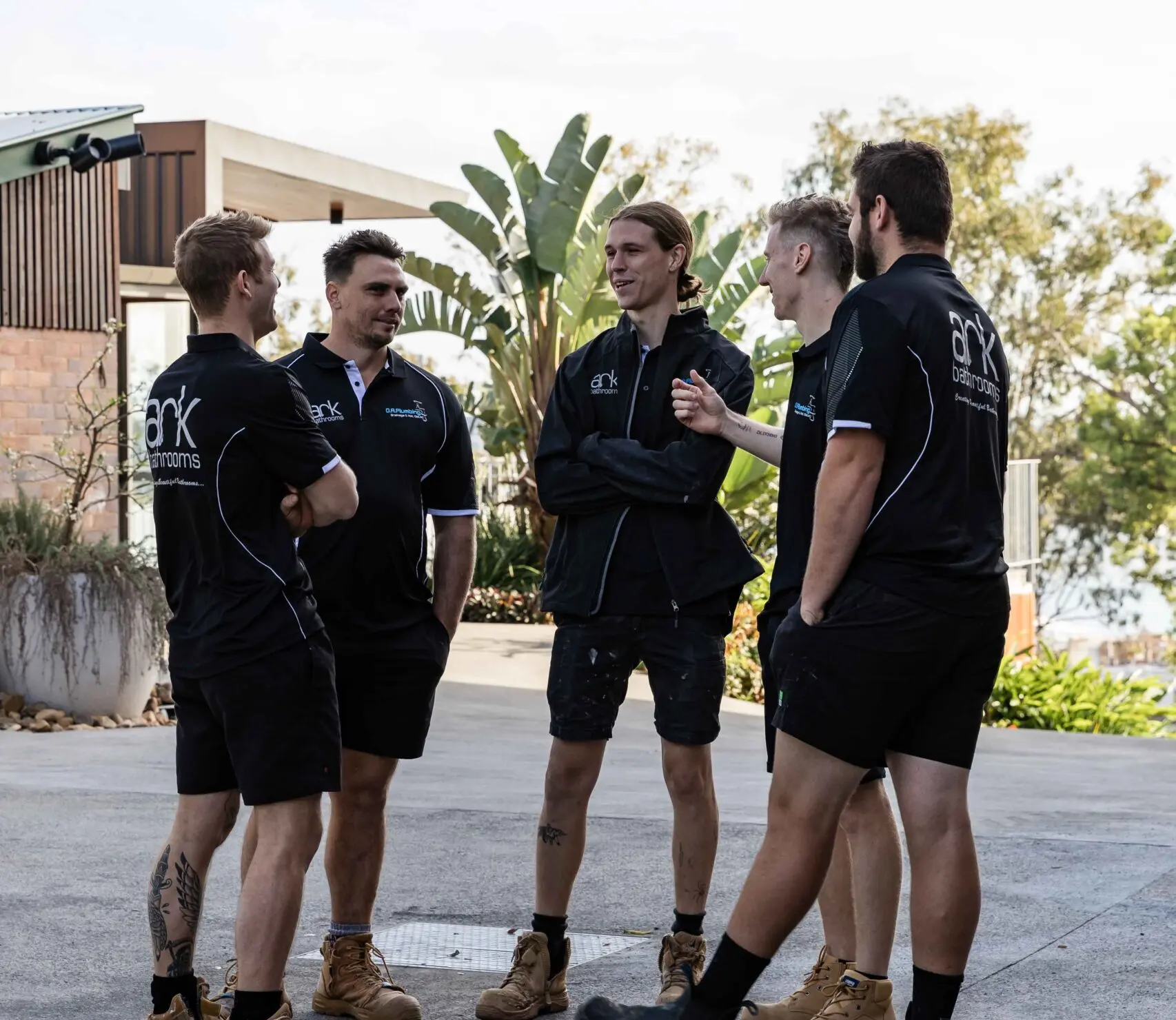
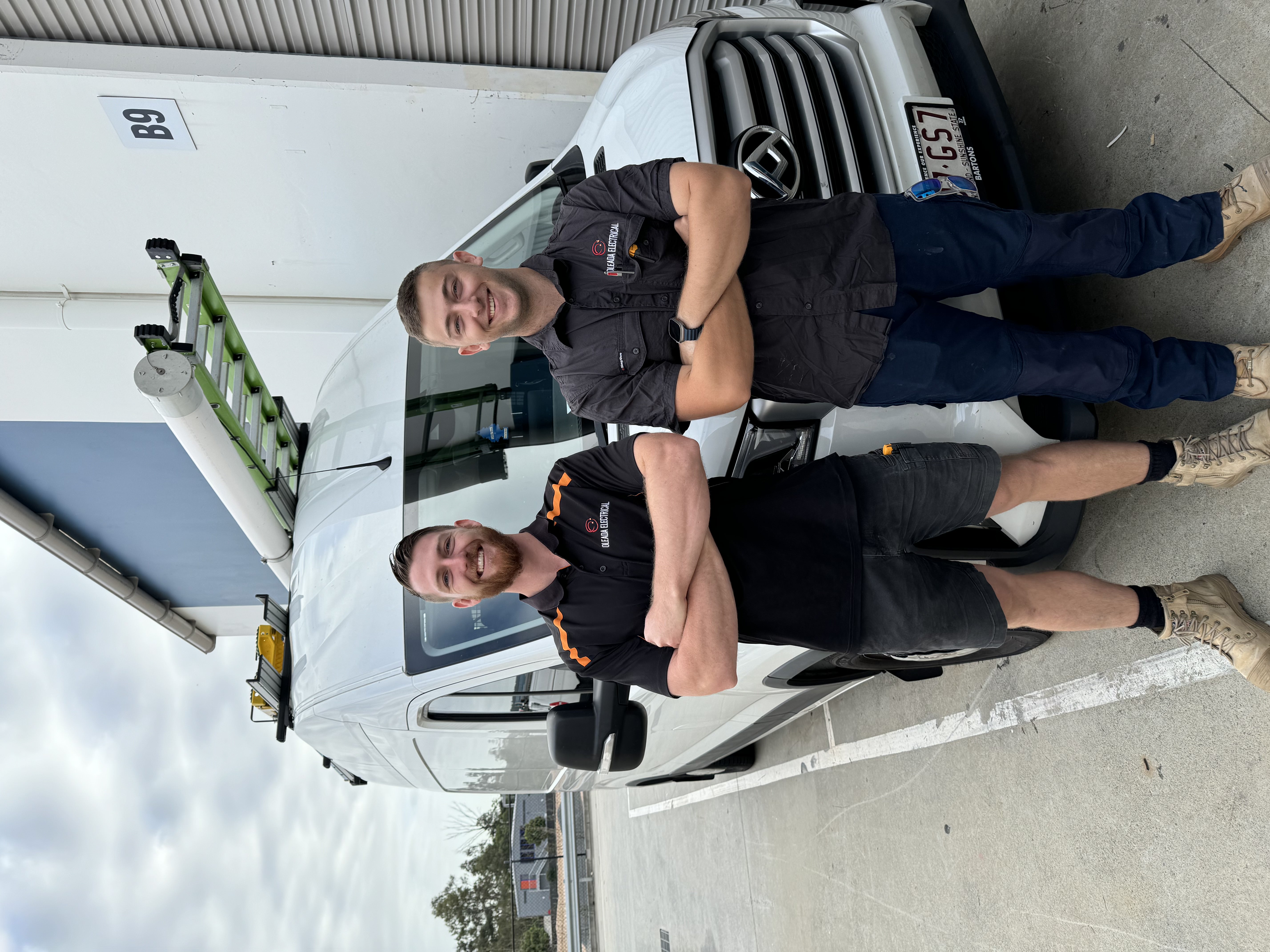
Put a photo of the owner and the team near the top, along with the review count, so it is visible without scrolling. Add the area you cover and a clear call button. Past client feedback is what makes a stranger comfortable to pick up the phone.
Does a licence badge or electrical credential belong on the page?
Yes, a licence number or electrical credential is useful, but it supports the photos rather than replacing them. Explain what it covers in a line and provide only details you can prove.
See more results from real trade businesses in our case studies and client reviews.
Structure
How should a tradie website be structured?
A clean site structure lets a customer find your service, check your area and contact you within a couple of taps. We plan the web pages around those three jobs and keep everything else out of the way.
A simple structure for services, areas and contact
Start with a home page, then add one page for each main service, a page listing the areas you cover and a contact page. Link them clearly across the site, with the call button and quote form on every page. Each service page should explain what you do, show a few real jobs and finish with a way to enquire.
Choosing a content management system you can update yourself
A content management system is the digital tool that lets you add new job photos, reviews and service details without calling a developer. Pick a system simple enough to update from your mobile between jobs, and make sure ongoing support is part of the plan. If changing a phone number takes a week, the tool is working against you.
Enquiries
Quote forms, call buttons and enquiry handling
A good enquiry path asks for just enough to price the job and nothing that makes people give up halfway.
What should a quote request form ask?
Keep the quote request form to a handful of fields: name, mobile, suburb, job type and a short description. Add an optional photo upload, because a picture of the leaking tap or the old switchboard lets us give a better first answer. Every extra question costs you some enquiries.
Call buttons that work on a mobile
Most visitors arrive on a phone, so the number should be a tap-to-call button that stays visible as they scroll. Put a clear label on it, such as "Call now", and place it at the top right and again after each service block.
Free quote offers without vague promises
If you offer a free quote, explain what it covers: an on-site look, a phone estimate or a written price from photos. Add when people will hear back, but only if you can keep it. We route every submission to your email and mobile straight away.
Google visibility
SEO and Google visibility for trade businesses
Local SEO decides whether people in your suburbs see you before a competitor.
How to build a site that attracts quality leads
A search engine rewards pages that answer a specific job in a specific place, so each service gets its own page with real detail. Slow, thin pages lose out to fast, concrete ones.
Google Business Profile photos and service areas
Fill in your Google Business Profile: list the service area you cover, choose accurate categories and upload recent job photos.
Local Pack visibility for a plumber
A plumber who appears in the Local Pack gets calls before anyone reaches a website. Reviews, a matching name, address and phone number, and a link to the right service page all support that ranking.
Will an AI Overview replace your website?
No, but an AI Overview on Google often summarises answers before the results, so clear, specific pages are more likely to be cited and clicked.
Google Search Console checks after launch
Once the site is live, Google Search Console shows indexing errors and the queries bringing visitors. Review it monthly.
schema.org markup for business details
Add schema.org LocalBusiness markup so your name, phone, hours and service area are machine-readable.
Service area pages for suburbs from Sydney to Wollongong
Write a page for an area only if you work there, such as Parramatta, Penrith, Newcastle or Wollongong, and base it on local jobs. Copying one page and swapping suburb names creates duplicate content that search engines ignore.
Want ongoing rankings work after launch? See our SEO for tradies.
Trust & legal
Trust signals and legal details to show
A trade site earns trust through accurate details, not big claims. Show only what you can back up, and keep it current.
Which business details belong in the footer?
Put your Australian Business Number, trading name and licence numbers in the footer of every page. If you hold public liability insurance, say so plainly, and keep your certificate handy for customers who ask. The Australian Taxation Office business register lets customers check an ABN, so make sure yours matches exactly.
Claims, guarantees and Australian Consumer Law
Anything you promise on the site, from warranties to "no hidden costs", falls under Australian Consumer Law. The Australian Competition and Consumer Commission enforces it, so we write guarantees you can honestly keep and leave out vague superlatives. Specific statements support a professional image better than bold ones.
Referencing industry bodies and building standards
Mention the Housing Industry Association only if you're a current member. A builder can say work follows the National Construction Code, which the Australian Building Codes Board maintains, but should not imply certification the business doesn't hold.
Who is responsible for consent when a web or marketing provider sends messages for you
You are, even when someone else sends the messages. Under the ACMA's spam guidance, a business must have consent from the person who will receive a commercial electronic message, so settle it before launch.
If your web system sends follow-ups or promotions, agree in writing how consent is collected through each form and how it is recorded for every customer. We ask this question at the start and include the answer in the scope. We can also help review the wording on a quote form, so a customer knows what they agree to when they submit a request.
Under the hood
Speed, hosting and accessibility behind the design
A slow tradie site loses the customer before they read a word, so we treat the technical layer as part of the design.
Hosting, SSL certificate and uptime
Reliable hosting keeps the site up when someone searches at 6am with a burst pipe. We set up the SSL certificate so browsers show the padlock instead of a warning.
SSL certificate and hosting checks before launch
Before launch, we confirm the certificate is valid and every page redirects to the secure version.
Core web vitals and mobile speed
Most visitors arrive on a mobile, often on patchy reception. We test against core web vitals with free tools, compress your job photos and keep the layout from jumping while it loads.
Is WCAG 2.2 relevant to a trade website?
Yes, because the WCAG 2.2 guidelines make a site usable for every visitor, including older customers and anyone squinting in bright sun.
WCAG 2.2 contrast and readable text on a mobile
We use clear colour contrast, text large enough to read without zooming and tap targets big enough for a thumb.
Process
From brief to live site: the build process
How fast your site goes live depends mostly on how quickly the content arrives.
What do you need to supply to start?
We start with a short brief covering your services, the suburbs you work in and your licence details. You send job photos, team and owner pictures and any customer reviews you already have. If you'd rather not write the content, we draft it from a phone call.
- Business name, logo and contact details
- Your best project photos, ideally from recent jobs
- Review screenshots or links
- Licence numbers, insurance details and any trade association memberships
Draft, review, live: how the project runs
Our team builds a first draft for you to review, and the next round covers changes to wording, photos and layout. Once you sign off, we test on mobile, launch the site and stay on hand for early updates. After that, you can book changes whenever needed.
What happens if your content arrives late?
The timeline simply moves with it, because we won't launch a site with placeholder photos or half-finished service pages. If photos are the holdup, we can start on the layout and quote form first, then drop the images in as they arrive.
Cost
Cost: what drives the price of a tradie website
What changes the price of a website design?
Scope sets the price. The number of pages, how much custom design you want, whether we write the copy, and how many job photos and reviews we set up all change the plan. A single landing page costs less than a full site with service area pages, and ongoing support is optional.
Extras such as links with your job software, extra forms or booking tools also add to the scope. We list what is included in writing so nothing surprises you later.
Get a professional tradie website: request a free quote
We don't publish a fixed price because no two trade businesses need the same thing. We offer a free quote based on your trade, your service area and what you already have, and give you the scope in plain language before you commit.
Whether you want a fast-loading site or a single focused page, tell us what you need. Send us an enquiry and we'll come back with current pricing.
Request a free quoteFAQs
Frequently Asked Questions
How much does a tradie website cost?
There's no fixed figure, because the price depends on how many pages you need, how many job photos go in, which features you add and what ongoing support you want. Enquire for a current quote based on your trade and the work you want to win.
Do tradies need a website if they already have a Google Business Profile?
Yes, because the profile earns the click and the website closes the job. It holds your real job photos, your proof of work and a quote form, so a customer can decide and ask for a quote in one visit.
Ready for a website that brings in quotes?
Book a strategy call